The Ultimate Text to Video AI Guide for Creators
June 30, 2026 by Manny, Founder of ViralLens
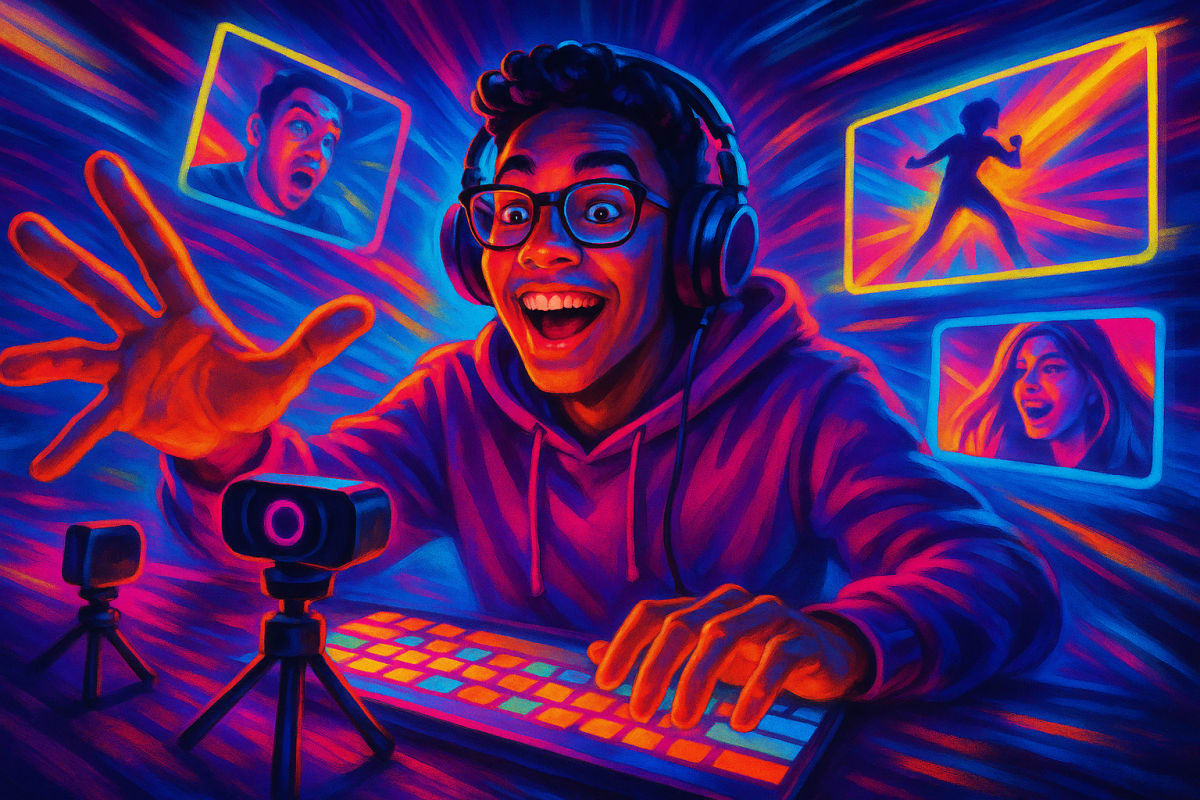
In the rapidly evolving world of content creation, staying ahead of trends can feel overwhelming. But what if you could turn simple text into engaging videos with just a few clicks? Enter text to video AI, a revolutionary tool changing how creators work.
🎬 How Text to Video AI Actually Works
Text to video AI converts written content into dynamic videos, breathing life into static information. Powered by advanced technologies like Seedance 1.0 and Kling V3 Pro, this AI creates cinematic 1080p videos perfect for platforms like TikTok and Instagram Reels. Whether you're a fashion creator or a real estate agent, this tool can drastically enhance your storytelling.
- Input Your Text: Begin by writing your script or selecting text from your content.
- Choose Visuals and Style: Use AI to select images or animations reflecting your message.
- Render Your Video: The AI generates a fully edited video, ready for upload.
Want to dive deeper into the full process behind it? See how it works.
⚡ Why Creators Are Switching to Text to Video AI
Creators are embracing text to video AI for its efficiency and accessibility. Unlike traditional video production, which demands time, money, and expertise, this AI tool reduces barriers. For example, a musician can now transform lyrics into attention-grabbing visuals without a hefty budget.
- Cost-Effective: Starting at just $4, creating videos has never been more affordable.
- Time-Saving: Generate videos in minutes rather than weeks.
We covered this in detail in our guide on text-to-video AI.
🚀 5 Ways to Use Text to Video AI for Viral Content
- Fashion Lookbooks: Transform your style guides into viral TikTok clips that engage audiences.
- Property Tours: Turn descriptions into captivating real estate walkthroughs.
- Music Videos: Bring songs to life with synchronized visuals.
- Product Descriptions: Convert e-commerce content into compelling product videos.
- Educational Content: Make learning materials more interactive and digestible.
Explore more ways to use AI in our image-to-video cinematic guide.
❓ Frequently Asked Questions
How long does it take to generate an AI video?
Most AI-generated videos can be completed within a few minutes. This efficiency allows for rapid content iteration and testing.
Is AI video as good as professionally shot video?
While AI video can’t completely replace professional film crews, it offers high-quality, engaging visuals suitable for online platforms.
How much does AI video generation cost?
The cost starts at $4, providing an accessible entry point for creators looking to expand their video content without a subscription model.
As you explore the creator space, using text to video AI can significantly benefit your work. Whether you're a seasoned YouTuber or experimenting on TikTok, AI empowers you to craft captivating content with ease.